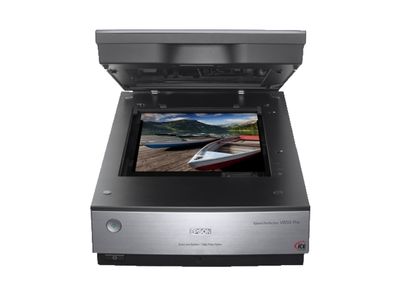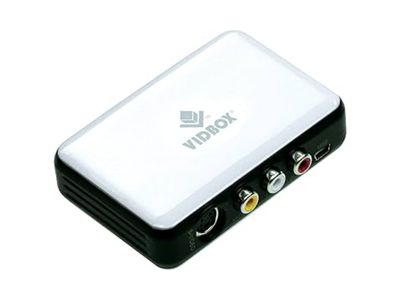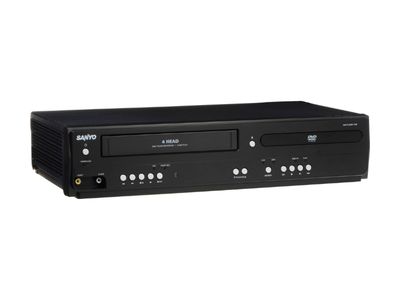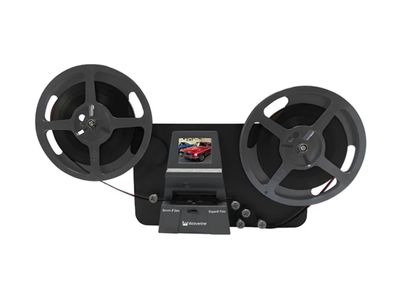
Digitization station
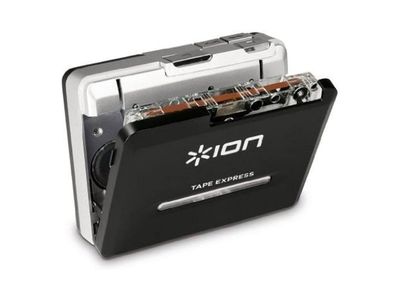
Use the Digitization Station to convert photos, negatives, slides, family videos, cassette tape recordings, and more into digital formats. The station also offers a variety of creative multimedia software allowing users to edit their media files.
Booking the digitization station
Users may reserve the digitization station for up to 3 hours at a time. Please note that the station is self‑guided, and staff can only answer basic questions. If you need further help, please refer to our user guides. (You will also receive a printed copy of the guide to reference during your session.) For more in-depth assistance, please request an orientation.
To schedule your session, please click the link below (links to an external booking site):
If you would like help getting familiar with the digitization station, staff can provide an orientation upon request. An orientation typically takes 15–45 minutes, depending on what you plan to do. Orientations can be provided for digitizing and for multimedia software use. For a digitization orientation, we will walk you through the equipment and digitize an item together. For a multimedia software orientation, we will show you the basics of how to use photo editing, video editing, audio editing, or file conversion software. To use the station independently afterward, you will need basic computer skills.
To request an orientation, please click the link below:
Want to digitize film negatives and slides from home?